CCNA Learning Journey
Day 4 : Command Line Interface
Console port
How to connect to Device CLI?
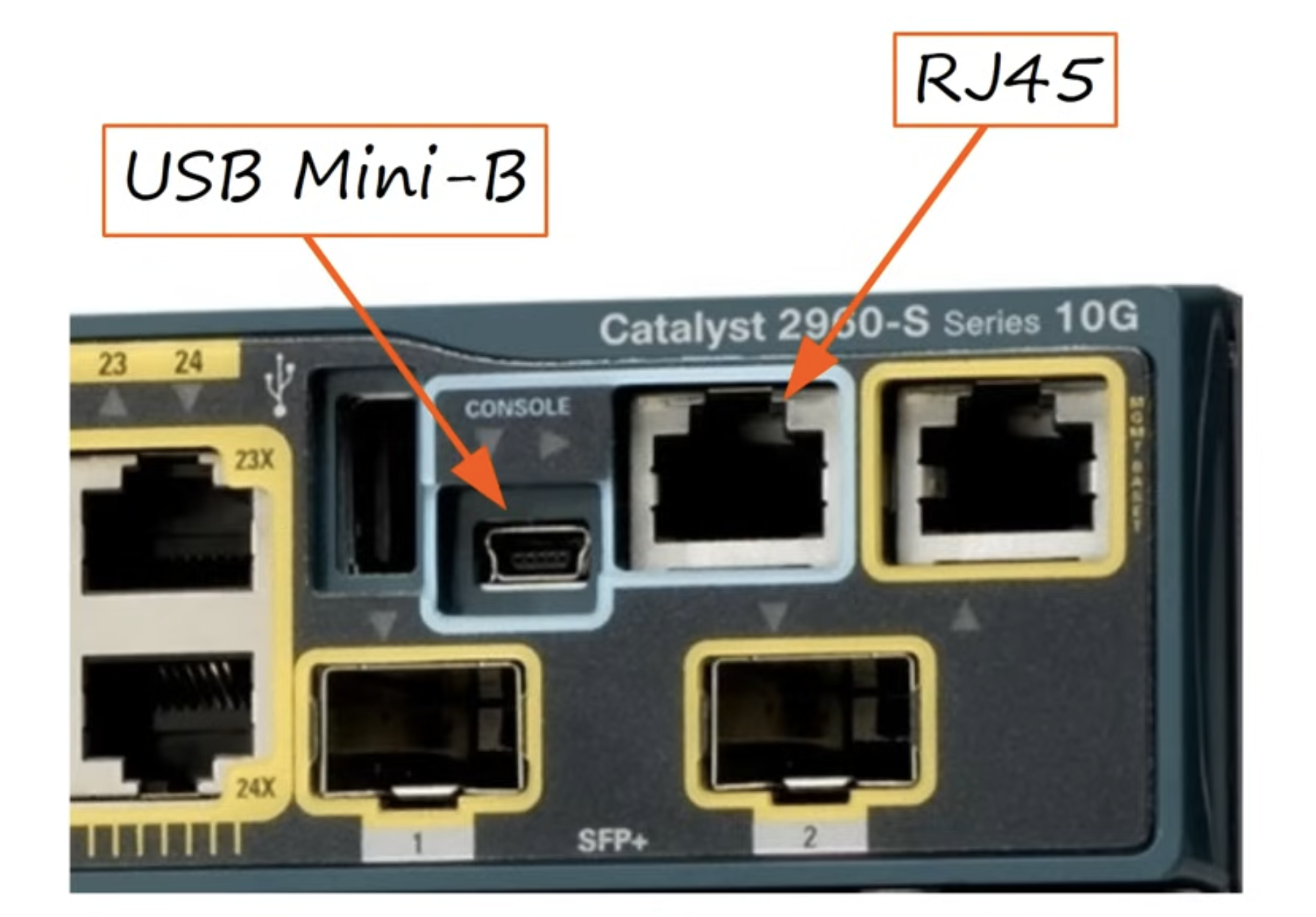
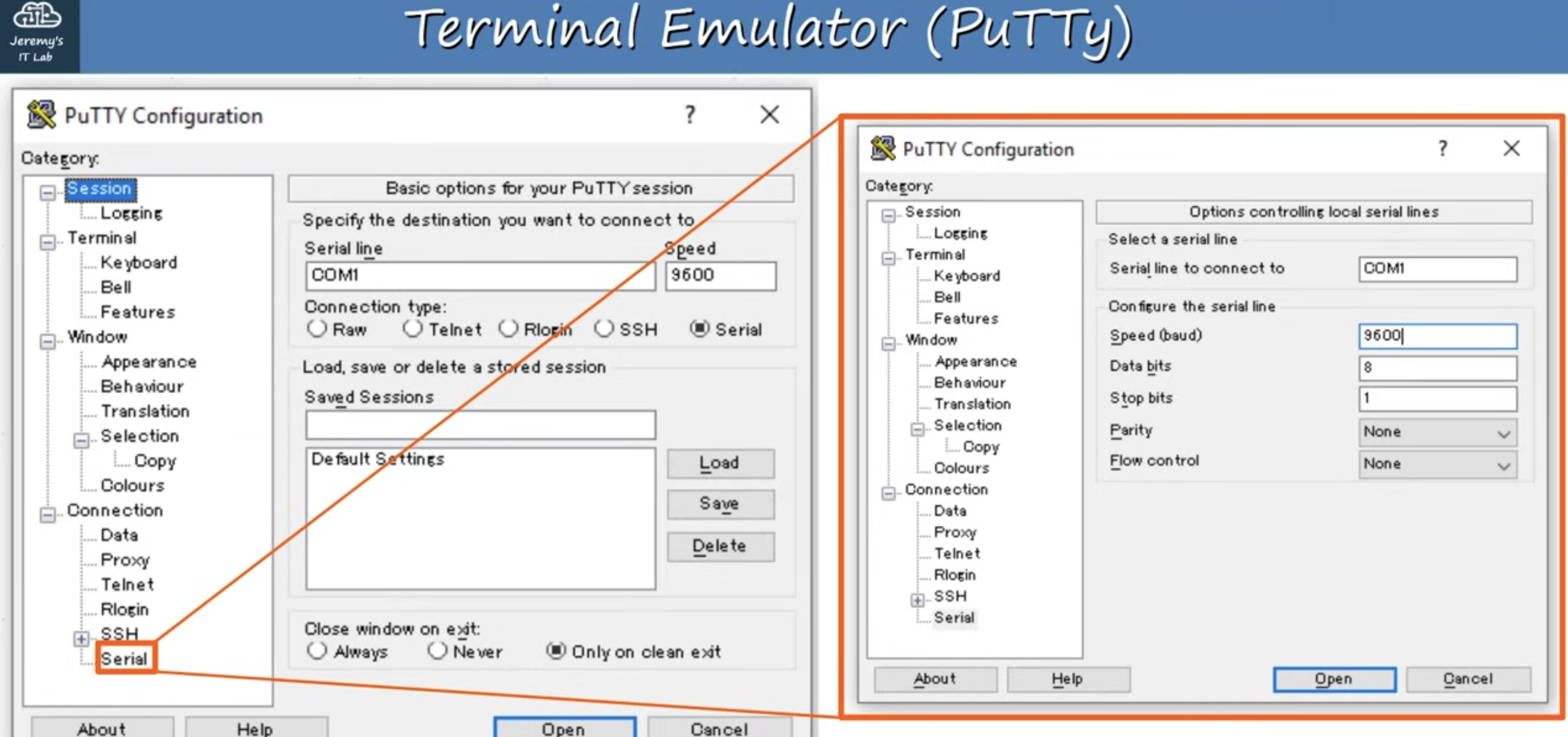
Connect the device via console and then using the Putty in Serial connection type
User Exec mode
Router>
Privileged exec mode
Router>enable Router#
Configuration mode
Router#configure terminal Router(config)#
Enable password
(config)# enable password myPassword
Router#exit : to exit mode
Running-config / Startup-config
- There are two separate config file present on the device at once.
- Running-config:
- the current, active configuration file on the device. As we enter commands in CLI, we edit the active configuration.
- Startup-config:
- the configuration file that will be loaded upon restart of the device.
Show running-config / Show startup-config
Router#show running-config
Saving the configuration
3 Ways:
- Router#write
- Router#write memory
- Router#copy running-config startup-config
Service password-encryption
Router(config)#service password-encryption
Router(config)#enable secret myNewpassword (Password kept using enable secret is always encrypted.)
Router(config)#do sh run
- Here “do” is used to run exec mode command to run in config mode.
Router(config)# run priviledged-exec-level-command
- executes a privileged-exec-level command from global configuration mode
Router(config)# no command
- removes the command that we previously configured